Calculating arrival date




Best Wireless Printers With Key Features, Pros & Cons
11/05/2025

Wireless printers are now common in many homes and offices because they let you print without staying tied to one spot. With so many choices out there, it can help to know which ones people enjoy using.
We put together a list of five wireless printers that are often recommended by users. Each one offers steady performance and features that fit everyday needs.
5 Wireless Printers (Comparison Table)
| Printer | Type | Functions | Price |
|---|---|---|---|
| Brother HL-L2480DW | Laser | Print, Copy, Scan | $240 |
| Brother HL-L2460DW | Laser | $180 | |
| Brother MFC-J1215W | Inkjet | Print, Copy, Scan | $60 |
| Epson EcoTank ET-2800 | Inkjet (Supertank) | Print, Copy, Scan | $180 |
| HP OfficeJet Pro 9125e | Inkjet | Print, Copy, Scan, Fax | $210 |
Brother HL-L2480DW (Laser)
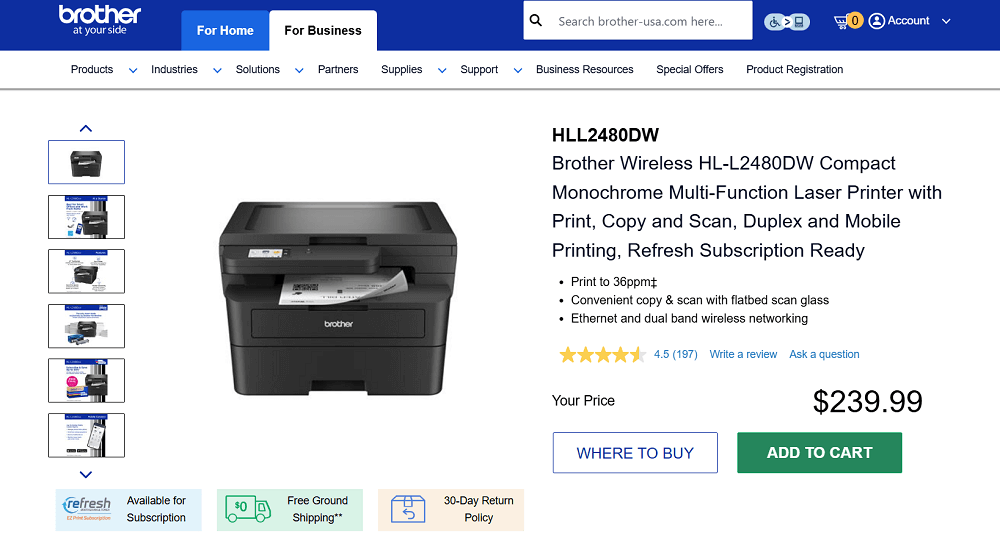
Screenshot from the Brother website
Brother HL L2480DW is one of the most preferred wireless printers among users, especially for home and small office setups. It is a compact black and white laser model that brings printing, copying, and scanning together in one simple device.
It produces clear text at fast speeds, and the touchscreen helps you move through settings without any trouble. With wireless, Ethernet, and USB options, you can place it wherever it fits best.
Key Features
- Print speed up to 36 pages per minute
- Print, copy, and scan in one device
- Dual-band wireless, Ethernet, and USB
- Mobile printing with Brother Mobile Connect
- 250-sheet paper tray
- Two-sided printing
- Cloud print and scan support
- Flatbed scanner for documents and photos
Pros
✔️ Fast printing
✔️ Sharp and clean text
✔️ Simple touchscreen
✔️ Stable wireless connection
Cons
❌ Black and white only
❌ No automatic feeder for multi-page scans
❌ Louder during long print jobs
Toner Cartridges for Brother HL-L2480DW
- Standard yield: TN830 Black
- High-yield: TN830XL, TN830V
- Packs: TN830XL2PK
Brother HL-L2460DW (Laser)
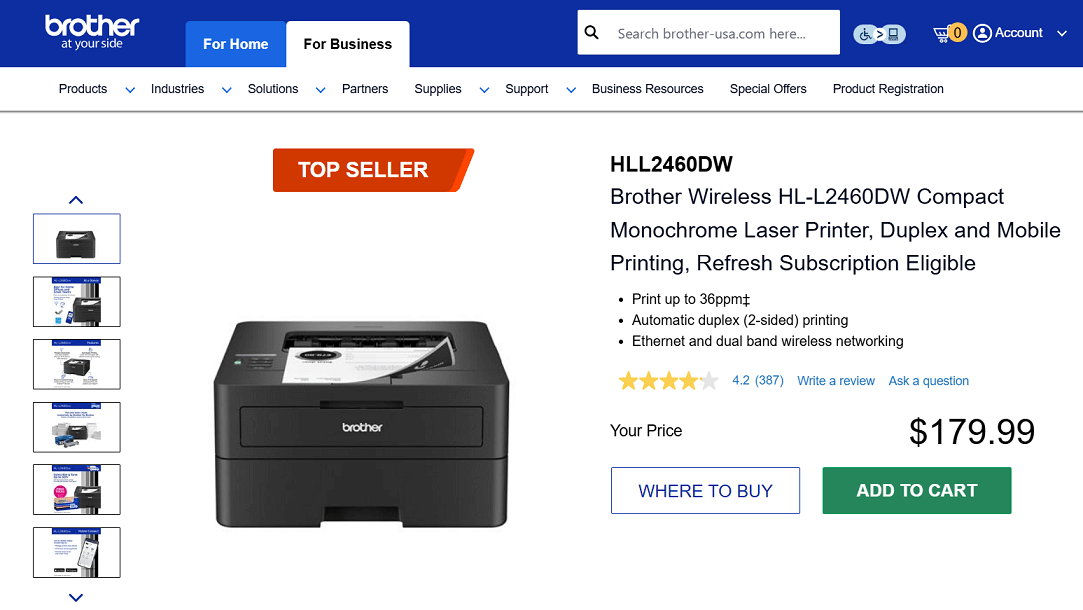
Screenshot from the Brother website
Brother HL L2460DW is a well-liked wireless monochrome laser printer that works well for everyday home and office tasks. It produces sharp black and white pages at fast speeds and keeps up well with regular printing needs.
The paper tray holds a generous amount of sheets, and the two-sided printing helps reduce paper use. With wireless, Ethernet, and USB options, it fits easily into most setups.
Key Features
- Print speed up to 36 pages per minute
- Wireless, Ethernet, and USB connectivity
- Two-sided printing
- 250-sheet paper tray
- Mobile printing through the Brother Mobile Connect app
- Manual feed slot for envelopes and specialty paper
- Eco-friendly printing settings
- Built-in security features for safer connections
Pros
✔️ Strong pick for text-heavy printing
✔️ Very low warm up time
✔️ Compact size for smaller desks
Cons
❌ Print only, no scan or copy
❌ Not suited for graphics or photos
Toner Cartridges for Brother HL-L2460DW
- Standard yield: TN830 Black
- High-yield: TN830XL
- Packs: TN830XL2PK
Brother MFC J1215W (Inkjet)
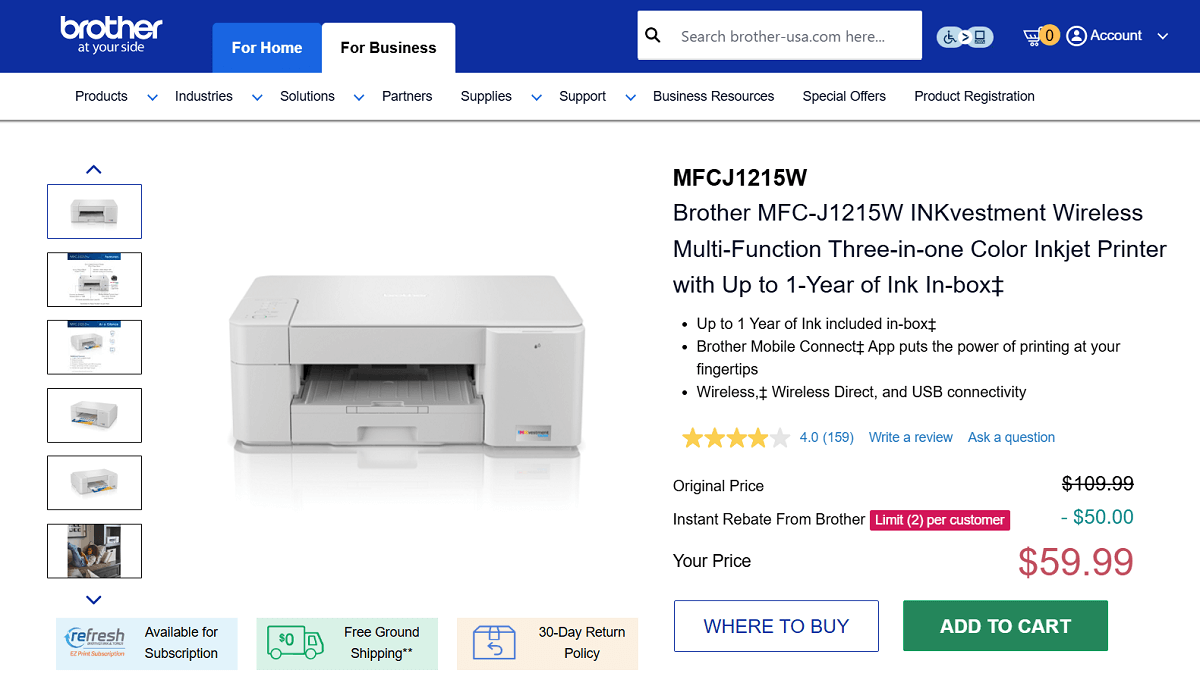
If you are looking for a budget-friendly wireless color printer, the Brother MFC J1215W is a great option to consider. It is a compact all-in-one inkjet model that lets you print, scan, and copy without taking up much space on your desk.
One of its biggest advantages is the amount of ink included in the box, which can last up to a year, depending on how much you print. With the Brother Mobile Connect app, you can handle printing tasks from your phone and check how much ink you have left through a simple visual gauge.
Key Features
- Print, scan and copy
- Color inkjet printing
- Up to one year of ink included in the box
- Wireless, Wireless Direct, and USB connectivity
- Compact size for small workspaces
- Mobile printing through Brother Mobile Connect
- Page Gauge feature for checking ink levels
- Works with Alexa for voice-controlled printing
Pros
✔️ Very affordable price
✔️ Ink lasts a long time before replacement
✔️ Compact design that fits almost anywhere
Cons
❌ Slower printing compared to office-focused models
❌ No automatic document feeder
❌ Not ideal for heavy photo printing
Ink Cartridges for Brother MFC J1215W
- Standard yield: LC-404BKS Black, LC-404BCS Cyan, LC-404BMS Magenta, LC-404BYS Yellow
- Packs: LC-4043PKS 3-Pack (Cyan, Magenta, Yellow)
Epson EcoTank ET-2800
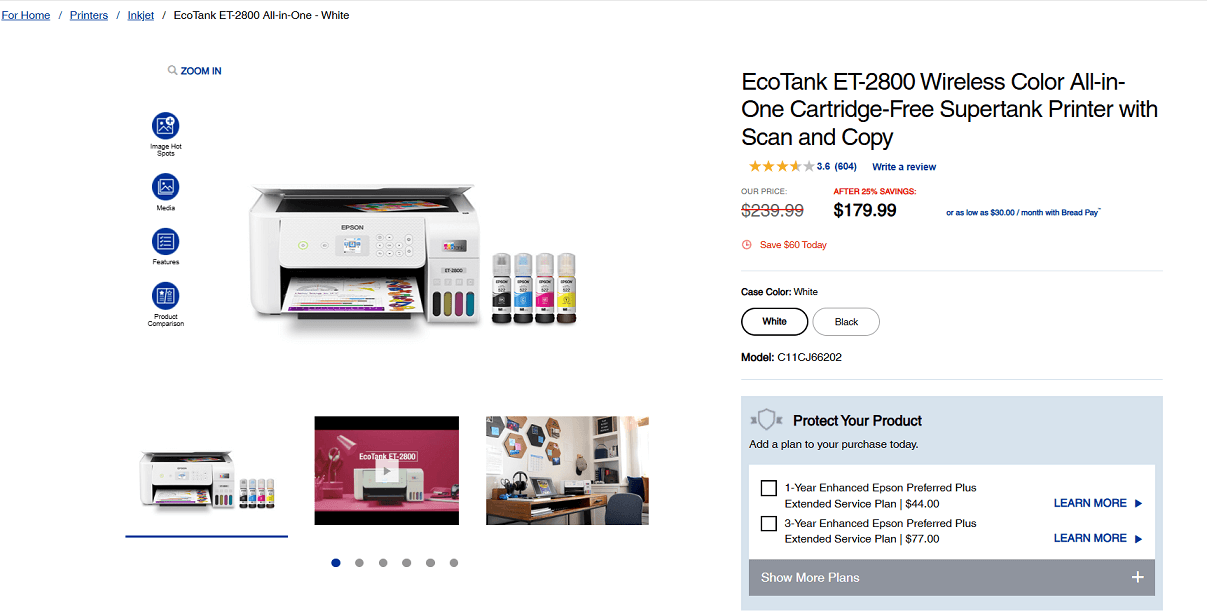
Screenshot from the Epson website
If you need a wireless color printer that won’t use up ink quickly, the Epson EcoTank ET 2800 is a strong option for home use. It relies on refillable ink tanks instead of regular cartridges, which helps keep printing costs low even if you print often.
It also includes a flatbed scanner, a simple color display, and easy wireless printing from phones and tablets, making it a practical choice for everyday tasks.
Key Features
- Refillable EcoTank system instead of cartridges
- Ink included in the box can last up to two years depending on usage
- High-yield ink bottles print up to 4,500 pages black and 7,500 color
- Flatbed scanner for documents and photos
- Wireless printing with the Epson Smart Panel app
- Color display for navigating basic tasks
- Voice-activated printing through smart assistants
- Energy-saving design with reduced cartridge waste
Pros
✔️ Very low printing cost per page
✔️ Good color quality for schoolwork and home projects
✔️ Simple wireless printing from any device
Cons
❌ Slower printing compared to laser models
❌ No automatic document feeder
❌ Not ideal for busy office environments
Ink Cartridges for Epson EcoTank ET-2800
- Ultra high-yield: T522120S Black, T522220S Cyan, T522420S Yellow, T522320S Magenta
- Combo pack: T522520S (Cyan, Magenta, Yellow)
HP OfficeJet Pro 9125e (Inkjet)
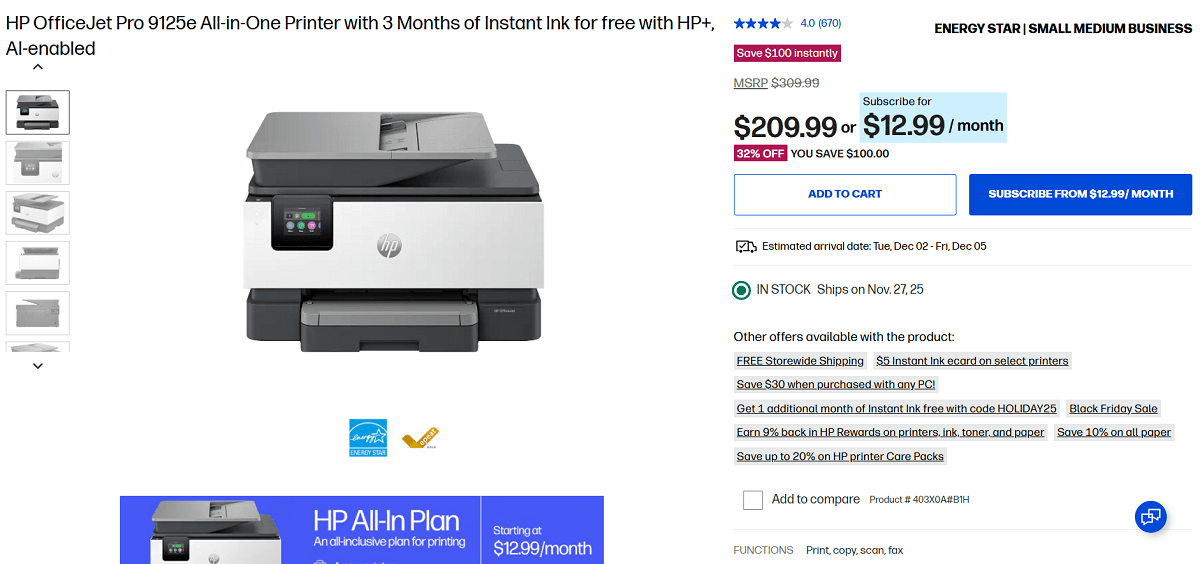
Screenshot from the HP website
HP OfficeJet Pro 9125e is a versatile wireless color inkjet printer that brings printing, scanning, copying and faxing together in one device.
It produces clear text and bright color pages, and the wireless setup works smoothly with phones, tablets, and computers. The automatic document feeder and two-sided printing help with everyday tasks and make it easier to manage longer documents.
Key Features
- Print, scan, copy, and fax
- Color inkjet printing
- Print speed up to 22 pages per minute black and 18 pages per minute color
- Wireless, Ethernet, and USB connectivity
- 250-sheet paper tray
- Automatic two-sided printing
- Automatic document feeder
- Mobile printing through the HP Smart app
Pros
✔️ Good color quality for documents and graphics
✔️ Easy to use touchscreen
✔️ Full set of all-in-one functions
✔️ Reliable wireless and mobile printing
Cons
❌ Ink can run out faster with frequent color printing
❌ Noticeable noise during bigger jobs
❌ Slower than a laser printer
❌ A larger size may not suit very small desks
Ink Cartridges for HP OfficeJet Pro 9125e
- Standard-yield: HP 936 Black, HP 936 Cyan, HP 936 Magenta, HP 936 Yellow
- High-yield: HP 936e EvoMore Black, HP 936e EvoMore Cyan, HP 936e EvoMore Magenta, HP 936e EvoMore Yellow
Summary
We looked through a variety of wireless printers to help you understand what each one is good at and how they compare.
In this guide, you’ll see what makes these models useful, from everyday printing to handling photos or longer documents. The goal is to give you a clear and easy overview so you can choose the printer that fits what you need.