Calculating arrival date




4 Printers for Schools and Classrooms You Can Rely On
10/15/2025

Everyday school life often calls for more than just worksheets and handouts. Eye-catching visuals and creative projects bring learning to life. From classroom displays to student portfolios, quality printing can make a real difference in how work is shared and celebrated.
In this guide, we highlight four printer models most recommended by users for their reliable performance in schools and classrooms.
Printers for Schools & Classrooms
(Comparison Table)
| Printer | Type | Functions | Price |
|---|---|---|---|
| Epson EcoTank Photo ET-8550 | Wide-Format Inkjet (6-color, Supertank) | Print, Scan, Copy | $750 |
| HP Smart Tank 6001 All-in-One | Inkjet (Refillable Tank) | Print, Scan, Copy | $370 |
| Canon imagePROGRAF PRO-1100 | Wide-Format Pigment Inkjet | Print only (17″ wide, professional quality) | $1,404 |
| Canon PIXMA PRO-200S | Inkjet (8-color Dye-based) | Print only | $550 |
Epson EcoTank Photo ET-8550
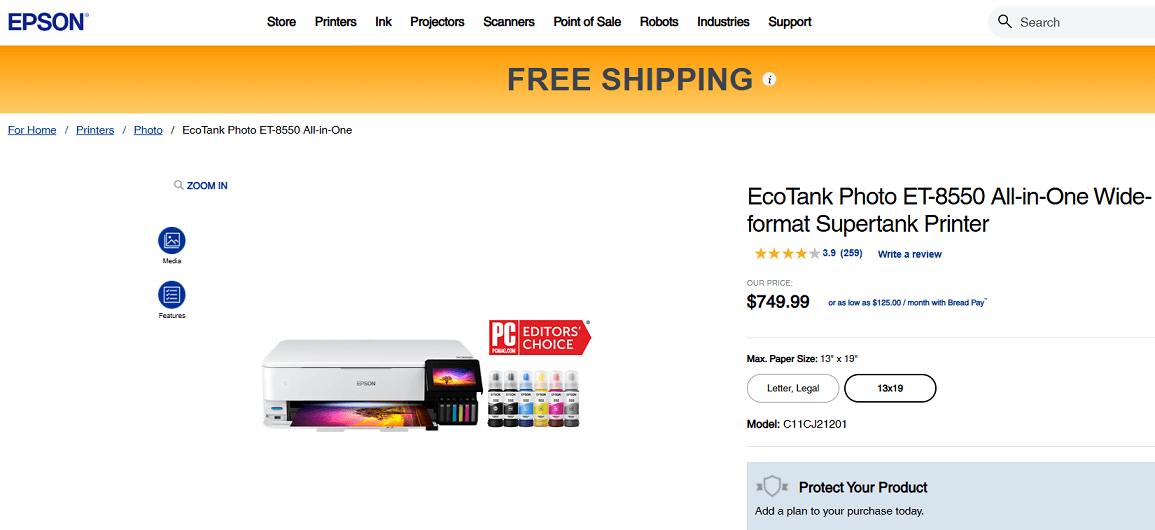
Screenshot from the Epson website
The Epson EcoTank ET-8550 is a wide-format, all-in-one printer suitable for classrooms, studios, or any environment that needs high-quality color and large-format printing.
Instead of standard ink cartridges, it uses Epson’s refillable “supertank” system, which keeps printing costs low for classrooms that print frequently.
Key Features
- 6-color Claria ET Premium ink system (Black, Grey, Cyan, Magenta, Yellow, Photo Black) for rich colors and detailed prints.
- Borderless printing up to 13″ × 19″ (A3+) — large enough for posters, displays, and student art projects.
- High print resolution: up to 5,760 × 1,440 dpi optimized output.
- Wireless printing support: Wi-Fi Direct, Epson Smart Panel app, Apple AirPrint, Mopria, and more.
- Multifunction design: print, scan, and copy from one device, making it versatile for school use.
- High-yield ink bottles: each refill set can last for thousands of pages, helping reduce long-term ink expenses.
Pros:
✔️ Lower cost per page compared to many cartridge-based models
✔️ Large format suitable for classroom displays and projects
✔️ Versatile — handles both color and general document printing
Cons:
❌ Larger size and likely heavier than typical school “desktop” printers
❌ If it’s mainly used for text or simple documents, the “supertank” advantage may be less noticeable.
HP Smart Tank 6001 All-in-One
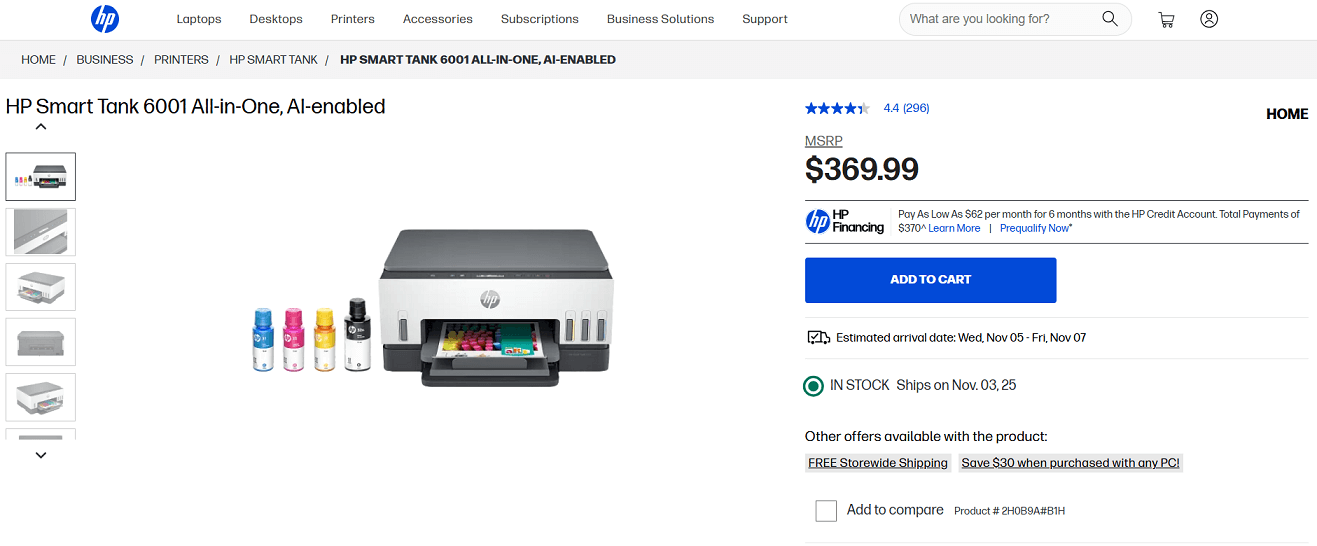
Screenshot from the HP website
The HP Smart Tank 6001 All-in-One is a versatile printer designed for high-volume printing needs, making it ideal for classrooms. Its refillable ink system helps reduce long-term costs while maintaining sharp print quality for both documents and photos.
Key Features
- Print, scan, and copy with reliable wireless connectivity
- AI printing removes clutter for clean, well-formatted pages
- Print speeds up to 12 ppm in black and 7 ppm in color
- Automatic two-sided printing saves time and paper
- Includes up to two years of ink in the box
Pros:
✔️ Handles a variety of tasks, from printing assignments to scanning documents, all within one device.
✔️ The user-friendly interface and wireless connectivity simplify setup and daily operations.
✔️ The high-capacity ink system and inclusion of up to two years' worth of ink help minimize printing costs over time.
Cons:
❌ No Automatic Document Feeder (ADF): Lacks an ADF, which may limit efficiency when scanning or copying multi-page documents.
❌ With a recommended monthly page volume of 400 to 800 pages, it may not be suitable for high-volume printing needs.
Canon imagePROGRAF PRO-1100
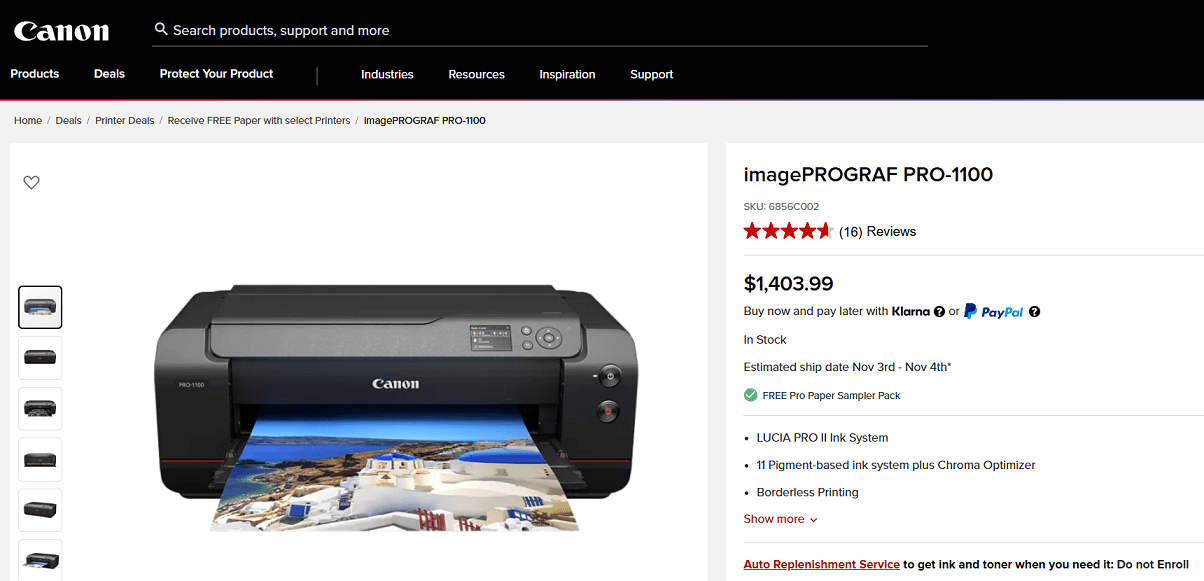
Screenshot from the Canon website
This is a high-end, wide-format printer that supports up to 17″×22″ (or even 17×25) borderless prints, making it suitable for school art departments, design classes, or any classroom creating large-format projects and displays.
Key Features
- LUCIA PRO 11-color plus Chroma Optimizer ink system for rich, accurate color.
- Supports borderless printing up to 17" × 22"
- Anti-clogging technology
- 3.0" LCD display for easy navigation
- Large capacity ink tanks
Pros:
✔️ Excellent print quality — suitable for detailed and colorful projects
✔️ Large format supports ambitious student work and shows
✔️ Durable pigment prints resist fading over time
Cons:
❌ Very high cost (both the initial purchase and ongoing ink or media expenses)
❌ Large size may require a dedicated room or space in the school
❌ More advanced than most classrooms need and may end up being underused
Canon PIXMA PRO-200S
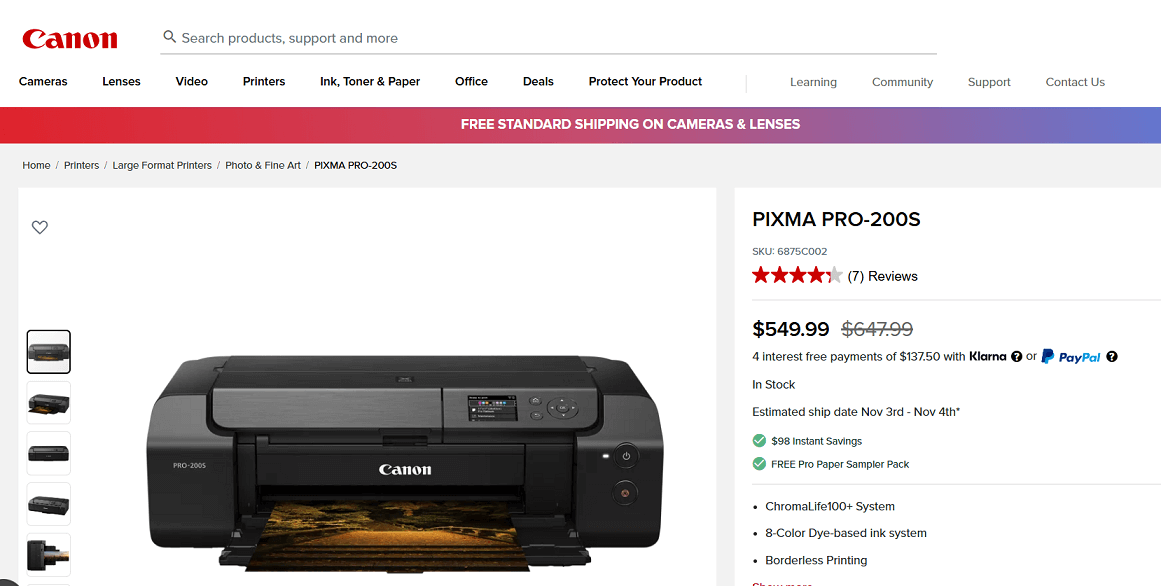
Screenshot from the Canon website
This is the newer version of the PRO-200, with updated wireless and security features.
It’s suitable for classrooms that need high-quality color printing for projects, posters, and student work.
Key Features
- 8-colour dye-based ink system, up to 13″×19″ borderless
- ChromaLife100+ system for long-lasting color prints.
- Wireless connectivity, professional printing software support.
- Two paper paths for flexible media handling.
- Skew-correction technology keeps prints straight and aligned.
- 3.0-inch LCD screen for easy navigation and control.
✔️ High-quality photo output for classroom art/photography work
✔️ Large-format printing supports creative student work and portfolios
✔️ Newer model than the PRO-200, adding improved security and wireless features
Cons:
❌ Limited multifunction use — no built-in scanning or copying
❌ Dye-based inks may fade faster than pigment inks, depending on the media
❌ Higher cost than basic printers, which may require budget justification
Summary
In a classroom context, print needs vary: you might have everyday document printing, but also student photo projects, art portfolios, and display prints. The four models above focus more on photo and display printing rather than standard document printing.
Here’s how you might think about picking one:
- If your classroom prints lots of student photo/display work and needs large format, go for something like the imagePROGRAF PRO-1100 — high capacity, high quality, large size.
- If cost per print and running costs matter (many prints, many students) and you still need photo capability, the EcoTank 8500 is a smart choice.
Decide also what your other needs are: do you need scanning/copying? Do you need an everyday document printer too? If so, check that the model includes those features, or plan to use a basic printer alongside it..