Calculating arrival date




5 Printers for Mac Users: Insights From Toner Buzz
09/24/2025
There are many printers on the market, but not all of them work well with macOS. That’s why we looked into user feedback and features to see which ones stand out for Mac users.
In this list, we share five models, starting from budget-friendly picks and moving up to higher-end options. The selection covers both inkjet and laser printers.
5 Printers for Mac Users (Comparison Table)
| Printer | Type | Functions | Price |
|---|---|---|---|
| Canon PIXMA MG3620 | Inkjet | Print, Copy, Scan | $40 |
| Brother MFC-J4335DW | Inkjet | Print, Copy, Scan, Fax | $190 |
| Epson EcoTank ET-2800 | Inkjet Supertank | Print, Copy, Scan | $200 |
| Canon Color imageCLASS MF656Cdw | Color Laser | Print, Copy, Scan, Fax | $415 |
| Brother HL-L6310DW | Mono Laser | Print Only | $450 |
1. Canon PIXMA MG3620 (Inkjet All-in-One)
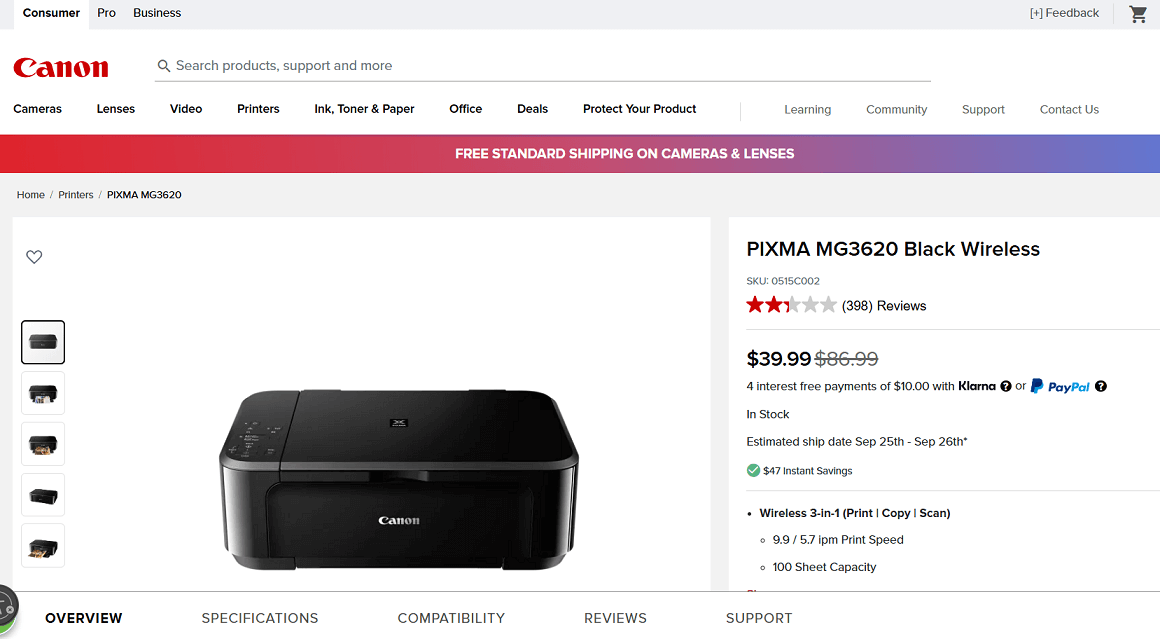
Screenshot from the Canon website
If you’re looking for a low-cost printer for light home use, the Canon PIXMA MG3620 is one of the easiest picks. It’s compact, connects quickly to a Mac with built-in Wi-Fi, and handles everyday tasks like printing documents or occasional photos without extra setup.
For students or families that only need simple, occasional printing, this model offers good value at a very low price.
Key Features
- Print, copy, and scan functions
- Wireless printing with Apple AirPrint and Mopria support
- Print speed: up to 9.9 ipm (black) / 5.7 ipm (color)
- 100-sheet paper capacity
- Borderless photo printing up to 8.5” x 11”
- Compatible with XL ink cartridges for higher yield
Pros:
✔️ Very affordable price
✔️ Compact design that fits small spaces
✔️ Easy wireless setup for Mac and iOS devices
✔️ Decent photo prints for casual use
Cons:
❌ Slower than newer printers
❌ Not ideal for heavy workloads
❌ Limited paper capacity
Ink Cartridges for Canon PIXMA MG3620
- Canon PG-240 Black, Canon CL-241 Color
- High capacity: Canon PG-240XL Black, Canon PG-240XXL Black, Canon CL-241XL Tri-Color (Cyan, Magenta, Yellow)
- Sets: PG-240CL Combo Pack (Black, Cyan, Magenta, Yellow)
2. Brother MFC-J4335DW (Inkjet All-in-One)
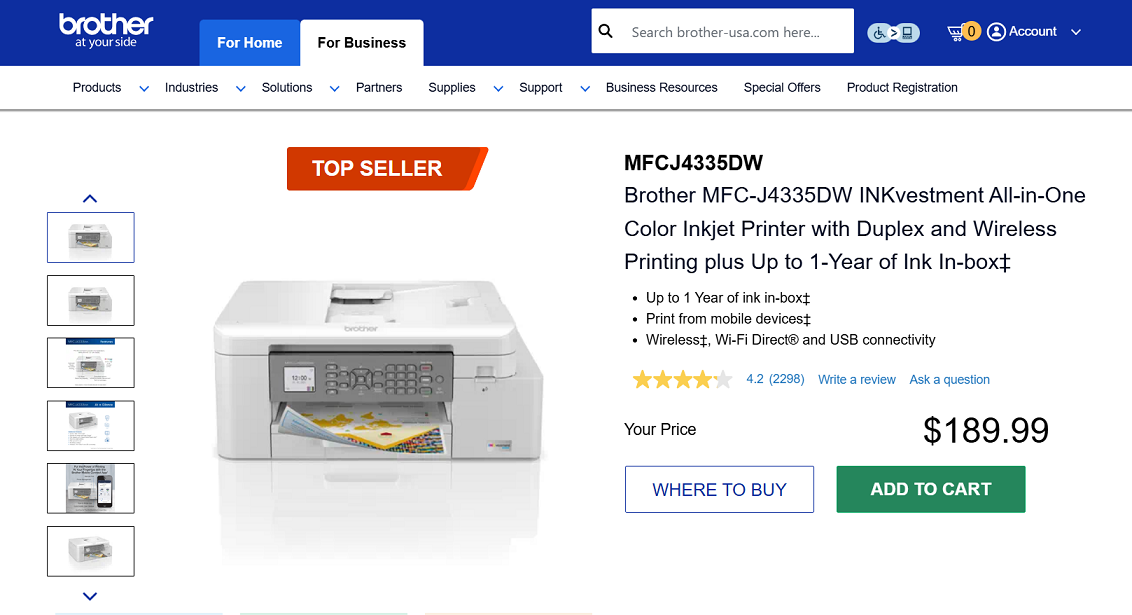
Screenshot from the Brother website
For Mac users who need a budget-friendly printer with more capability than basic models, the Brother MFC-J4335DW is a practical choice. It provides print, copy, scan, and fax functions in a compact size suitable for home offices or small businesses.
The INKvestment system includes a larger supply of ink compared to standard cartridges, which helps reduce ongoing costs. With wireless support that works with macOS, it fits well for users who need regular document and color printing.
Key Features
- Print, copy, scan, and fax functions
- Wireless printing with Apple AirPrint support
- Automatic two-sided printing
- 150-sheet paper tray and 20-sheet auto document feeder
- Up to 1 year of ink included in the box (based on typical use)
- 1.8″ color display with cloud print/scan options
Pros:
✔️ Low running costs with INKvestment cartridges
✔️ Includes a full set of long-lasting ink
✔️ Compact size for an all-in-one
✔️ Works smoothly with Macs and mobile devices
Cons:
❌ Print speeds are moderate compared to laser models
❌ Plastic build feels basic
❌ Fax function is not necessary for all users
Ink Cartridges for Brother MFC-J4335DW
- Standard yield: LC406BKS Black, LC406CS Cyan, LC406MS Magenta, LC406YS Yellow
- High-yield: LC406XLBKS Black, LC406XLC Cyan, LC406XLM Magenta, LC406XLY Yellow
- Packs: LC4063PKS (Cyan, Magenta, Yellow),
3. Epson EcoTank ET-2800 (Inkjet Supertank All-in-One)
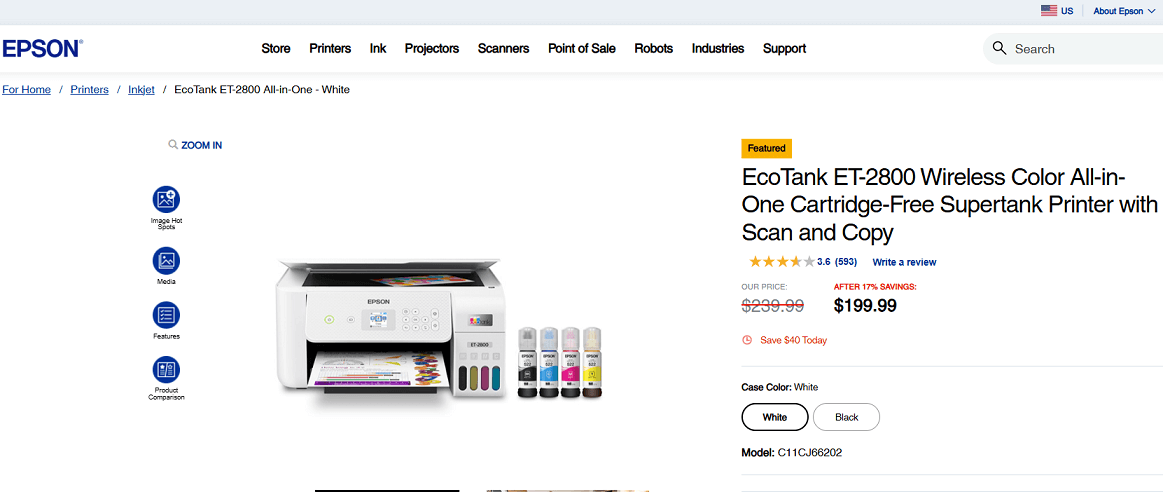
Screenshot from the Epson website
The Epson EcoTank ET-2800 is an inkjet all-in-one that uses refillable ink tanks instead of traditional cartridges. For Mac users, it connects wirelessly through AirPrint and works well for everyday printing, scanning, and copying at home.
The main advantage of this model is its very low running cost, since the included ink can last for thousands of pages before needing a refill.
Key Features
- Print, copy, and scan functions
- Wireless printing with Apple AirPrint support
- Refillable ink tanks instead of cartridges
- Up to 4,500 pages black and 7,500 pages color with replacement ink
- Includes up to 2 years of ink in the box (based on typical use)
Pros:
✔️ Lower cost per page than cartridge printers
✔️ Long-lasting ink supply included
✔️ No cartridge waste
✔️ Works smoothly with macOS and mobile devices
Cons:
❌ Slower than higher-end inkjets or lasers
❌ Small display and no auto document feeder
❌ Higher upfront cost than basic cartridge-based inkjet models
Ink Bottles for Epson EcoTank ET-2800
- Ultra high-yield: Epson T522 Black, T522 Cyan, T522 Magenta, T522Yellow.
- Sets: T522 Tri-Color (Cyan, Magenta, Yellow).
4. Canon Color imageCLASS MF656Cdw (Laser All-in-One)
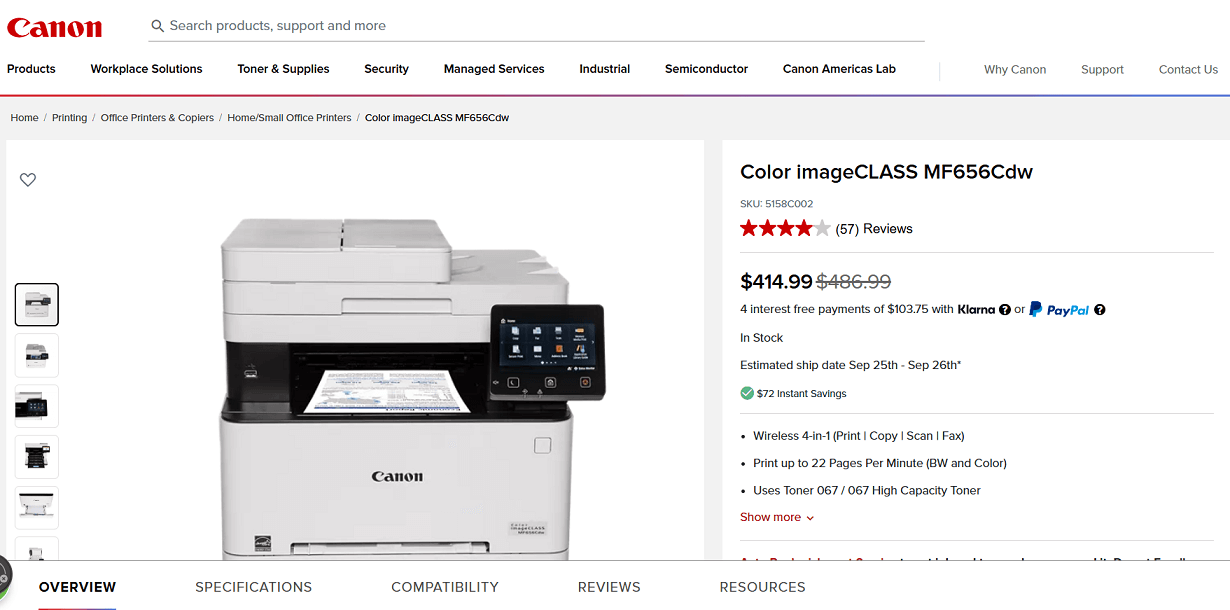
Screenshot from the Canon website
The Canon Color imageCLASS MF656Cdw is a color laser model that works well with macOS through built-in wireless and Apple AirPrint. It covers print, scan, copy, and fax functions and includes duplex scanning through its document feeder.
This makes it practical for Mac users who handle larger document volumes or need a faster option than basic inkjets.
Key Features
- Print, copy, scan, and fax functions
- Color laser printing up to 22 ppm
- 250-sheet paper tray and 50-sheet document feeder
- Duplex scanning support
- Wireless printing with Apple AirPrint
Pros:
✔️ Faster than inkjets
✔️ Duplex scanning included
✔️ Larger paper capacity
✔️ Connects easily with macOS
✔️ Toner can be more cost-effective for heavy or long-term use
Cons:
❌ Bulkier than inkjets
❌ Higher upfront purchase price
Toner Cartridges for Canon MF656Cdw
- Canon 067 Black, Canon 067 Cyan, Canon 067 Magenta, Canon 067 Yellow.
- High capacity: Canon 067H Black, Canon 067H Cyan, Canon 067H Magenta, Canon 067H Yellow.
5. Brother HL-L6310DW (Monochrome Laser Printer)
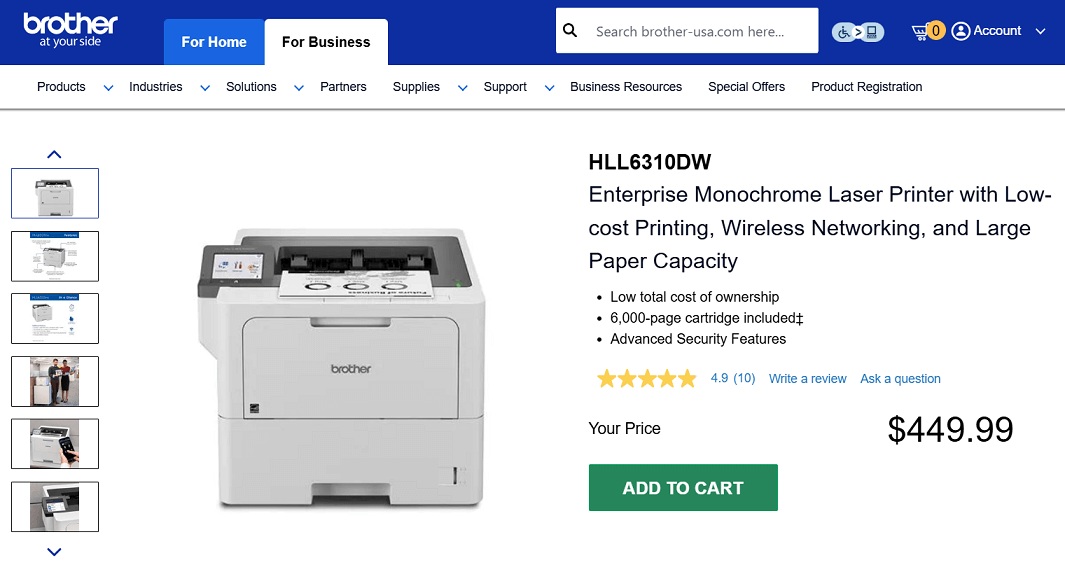
Screenshot from the Brother website
The Brother HL-L6310DW is a monochrome laser printer built for higher volume printing. It focuses on speed, large paper capacity, and security features, which make it more suitable for offices and business settings.
For Mac users, it supports AirPrint and wireless networking for easy connection.
Key Features
- Monochrome laser printer (print only)
- Print speed up to 52 pages per minute
- 520-sheet paper tray plus multipurpose tray, expandable to 1,660 sheets
- Includes a 6,000-page toner cartridge in the box
- Supports Brother ultra high-yield toner (up to 18,000 pages)
- Wireless, Ethernet, USB, and AirPrint support
- 3.5″ color touchscreen display
Pros:
✔️ Very fast print speeds for high-volume use
✔️ Large paper capacity with expansion options
✔️ Enterprise-level security features
✔️ Cost-effective printing with high-yield toner
✔️ Easy wireless setup with macOS and mobile devices
Cons:
❌ Monochrome only (no color printing)
❌ Print-only, no scan or copy functions
❌ Higher upfront price compared to small office models
Toner Cartridges for Brother HL-L6310DW
- Standard yield: TN920 Black
- High-yield: TN920XL Black
- Super high-yield: TN920XXL Black
- Ultra high-yield: TN920UXXL Black
- Packs: TN920XL2PK
Summary
In this guide, we discussed five printers that work well with macOS. They cover different needs, from light home printing to heavier office use.
Key points included their features, pros and cons, and cartridge options. With these details, Mac users can more easily find a printer that fits their setup.